Small Language Models (SLMs) aren’t just a trend — they are the new practical frontier of AI engineering. The best part? You can build a functioning transformer-based SLM yourself, entirely in Python, without specialized hardware.
This guide walks you step-by-step through the core components of building a tiny transformer model from scratch. By the end, you’ll understand each piece well enough to modify, extend, and eventually train your own Nano model.
1. Why Build Your Own Small Language Model?
Most developers interact with LLMs as black boxes.
But building one — even a tiny one — gives you:
- A deep understanding of how transformers actually work
- The ability to customize behavior at the architecture level
- Insight into fine-tuning, tokenization, and training loops
- The foundation to create domain-specific SLMs later (Excel, price tracking, cybersecurity, etc.)
- Full control without API limits
This knowledge becomes incredibly valuable as companies move toward efficient models that run on CPUs, edge devices, and internal infrastructure.
2. The Minimum Viable Transformer (MVT)
A transformer has three essential components:
- Token embeddings
- Self-attention mechanism
- Feed-forward layers
Every modern model — Llama, Phi, SmolLM, Granite, Mistral, GPT — is built from these blocks.
Here’s the smallest version you can implement:
2.1 Token Embeddings
Turn tokens from integers → vectors.
import torch
import torch.nn as nn

# Converts token IDs into vectors
class TokenEmbedding(nn.Module):
    def __init__(self, vocab_size, dim):
        super().__init__()

        # Learnable embedding table of shape [vocab_size, dim]
        self.embedding = nn.Embedding(vocab_size, dim)

    def forward(self, x):
        # Input: x of shape [batch, sequence_length]
        # Output: embedded tokens [batch, sequence_length, dim]
        return self.embedding(x)
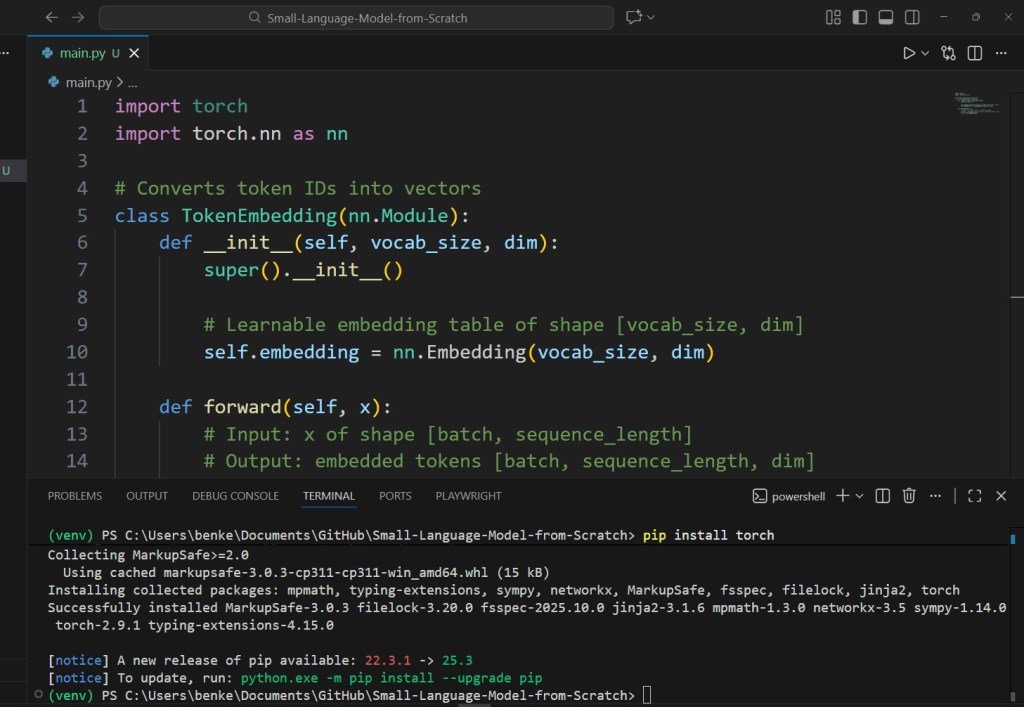
The Python code is here available on Github.
2.2 Self-Attention
The heart of a transformer.
class SelfAttention(nn.Module):
    def __init__(self, dim, heads=4):
        super().__init__()

        self.heads = heads
        self.scale = dim ** -0.5  # Scaling factor for stable attention scores

        # One linear layer produces queries, keys, and values (Q, K, V)
        self.to_qkv = nn.Linear(dim, dim * 3)

        # Final linear layer mixes attention heads
        self.out = nn.Linear(dim, dim)

    def forward(self, x):
        # x shape: [batch, seq_len, dim]
        b, n, d = x.shape

        # Compute Q, K, V then split into three equal chunks
        qkv = self.to_qkv(x).chunk(3, dim=-1)
        q, k, v = qkv

        # Reshape for multi-head attention:
        # [batch, seq_len, heads, dim_per_head]
        q = q.view(b, n, self.heads, -1)
        k = k.view(b, n, self.heads, -1)
        v = v.view(b, n, self.heads, -1)

        # Compute attention scores = QKᵀ / sqrt(dim)
        attn = (q @ k.transpose(-2, -1)) * self.scale

        # Apply softmax over keys (last dimension)
        attn = attn.softmax(dim=-1)

        # Weighted sum of values
        out = (attn @ v)

        # Flatten multi-head output back into [batch, seq_len, dim]
        out = out.reshape(b, n, d)

        # Final linear projection
        return self.out(out)
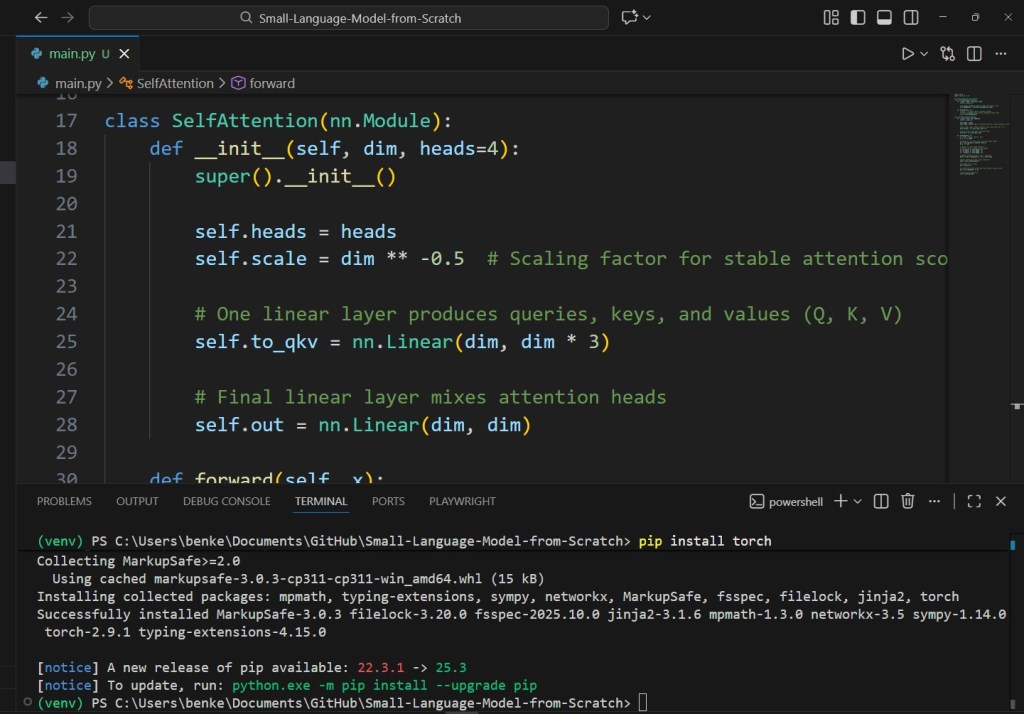
2.3 Feed-Forward Network
Simple MLP improving model capacity.
class FeedForward(nn.Module):
    def __init__(self, dim, hidden_dim=4*256):
        super().__init__()

        self.net = nn.Sequential(
            nn.Linear(dim, hidden_dim),  # Expansion
            nn.GELU(),                   # Non-linearity
            nn.Linear(hidden_dim, dim)   # Compression
        )

    def forward(self, x):
        return self.net(x)
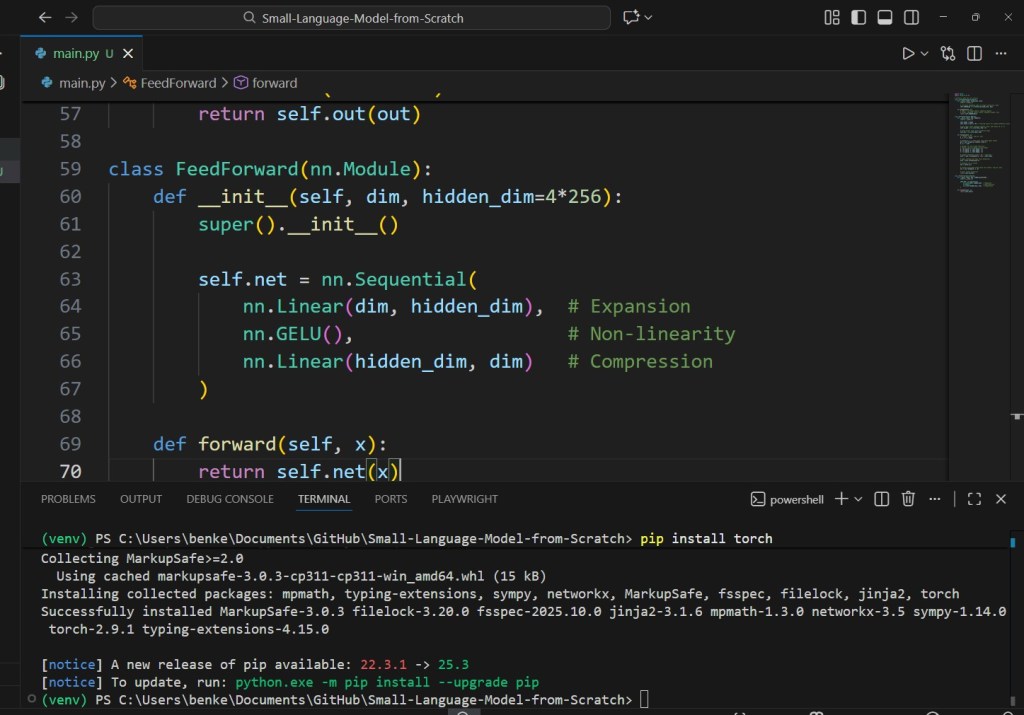
2.4 A Single Transformer Block
class TransformerBlock(nn.Module):
    def __init__(self, dim, heads):
        super().__init__()

        self.attn = SelfAttention(dim, heads)
        self.ff = FeedForward(dim)

        # Layer normalization stabilizes training
        self.ln1 = nn.LayerNorm(dim)
        self.ln2 = nn.LayerNorm(dim)

    def forward(self, x):
        # Attention with residual connection
        x = x + self.attn(self.ln1(x))

        # Feedforward with residual connection
        x = x + self.ff(self.ln2(x))

        return x
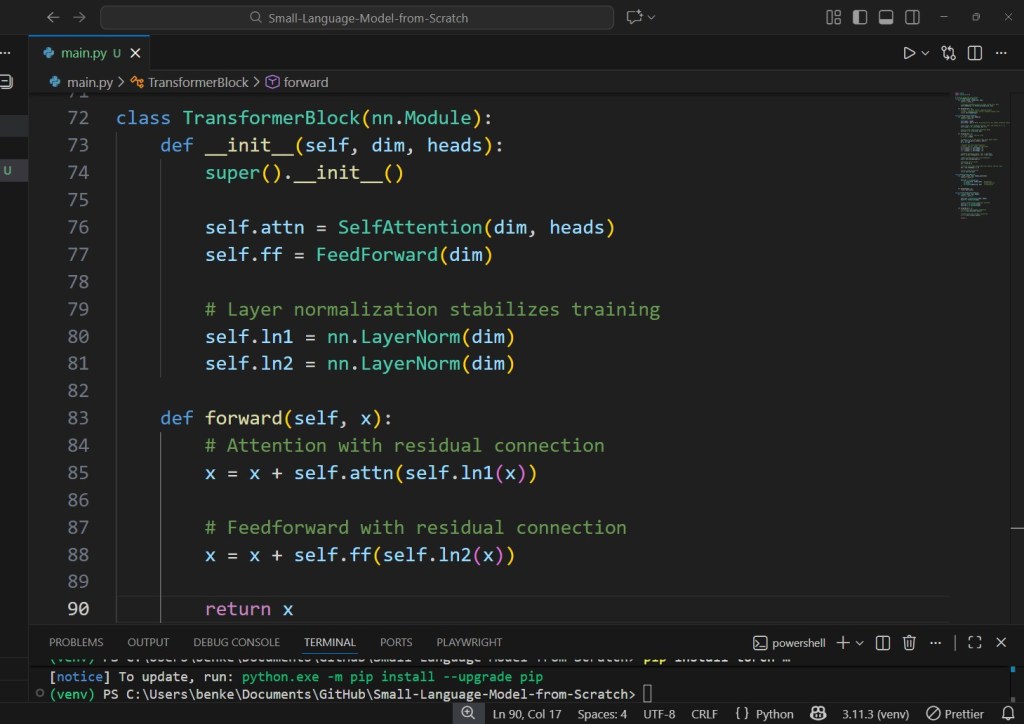
This is exactly how SmolLM and TinyLlama organize their internal blocks — just scaled to hundreds of layers.
3. The Tiny SLM Model Class
Combine:
- Embedding
- Positional encoding
- Transformer blocks
- Output projection
class TinySLM(nn.Module):
    def __init__(self, vocab_size, dim=256, depth=8, heads=4):
        super().__init__()

        # Token embeddings: convert IDs to vectors
        self.token_embedding = nn.Embedding(vocab_size, dim)

        # Positional embeddings: learn where each token is in sequence
        self.pos_embedding = nn.Embedding(512, dim)

        # Stack multiple transformer blocks
        self.blocks = nn.ModuleList([
            TransformerBlock(dim, heads) for _ in range(depth)
        ])

        self.ln = nn.LayerNorm(dim)     # Final normalization
        self.output = nn.Linear(dim, vocab_size)  # Predict next token

    def forward(self, x):
        # x: [batch, seq_len]
        b, n = x.shape

        # Create a position index tensor
        pos = torch.arange(n).unsqueeze(0).to(x.device)

        # Combine token + positional embeddings
        x = self.token_embedding(x) + self.pos_embedding(pos)

        # Pass through all transformer blocks
        for block in self.blocks:
            x = block(x)

        # Normalize and project back into vocabulary space
        x = self.ln(x)
        logits = self.output(x)

        # Output: [batch, seq_len, vocab_size]
        return logits
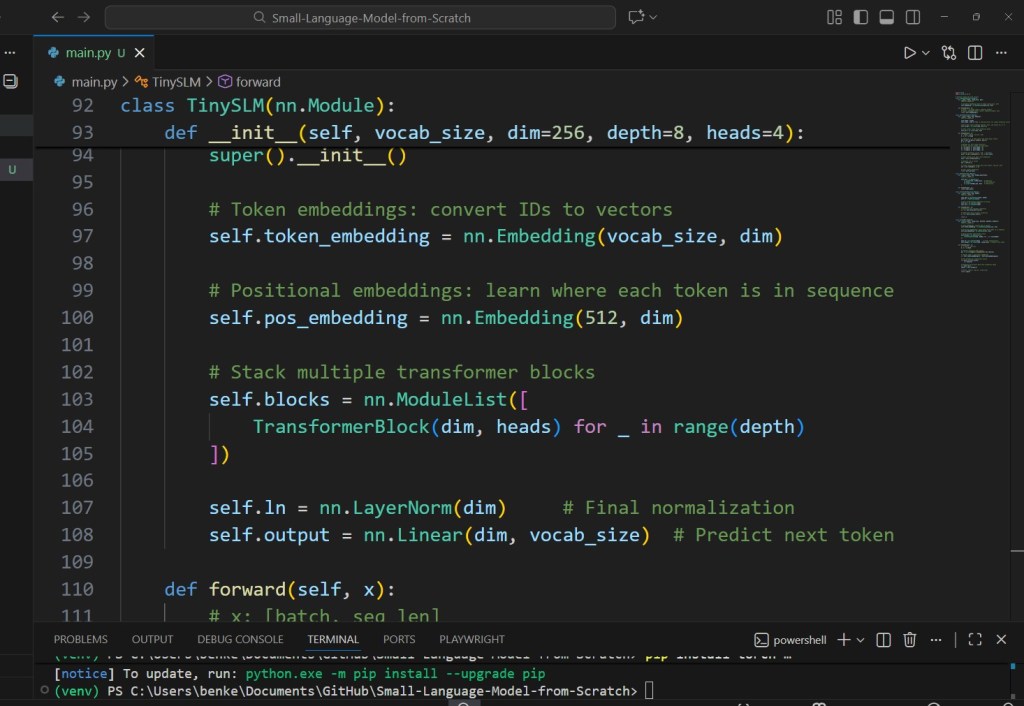
This is a fully working small language model.
No magic. No hidden layers. Just math.
4. Training the Model
You can train this model with:
- Cross-entropy loss
- AdamW optimizer
- Teacher forcing
- A simple text dataset
model = TinySLM(vocab_size=30000).cuda()

# AdamW helps stabilize training
optimizer = torch.optim.AdamW(model.parameters(), lr=3e-4)

# CrossEntropyLoss is standard for next-token prediction
criterion = nn.CrossEntropyLoss()

for epoch in range(200):

    # Fetch a batch:
    # inputs: [batch, seq_len]
    # labels: same, shifted by one position
    inputs, labels = get_batch()

    logits = model(inputs)

    # Reshape logits for CE loss:
    # [batch * seq_len, vocab_size]
    loss = criterion(
        logits.view(-1, logits.size(-1)),
        labels.view(-1)
    )

    # Zero gradients, backprop, update weights
    optimizer.zero_grad()
    loss.backward()
    optimizer.step()

    print("Epoch:", epoch, "Loss:", loss.item())
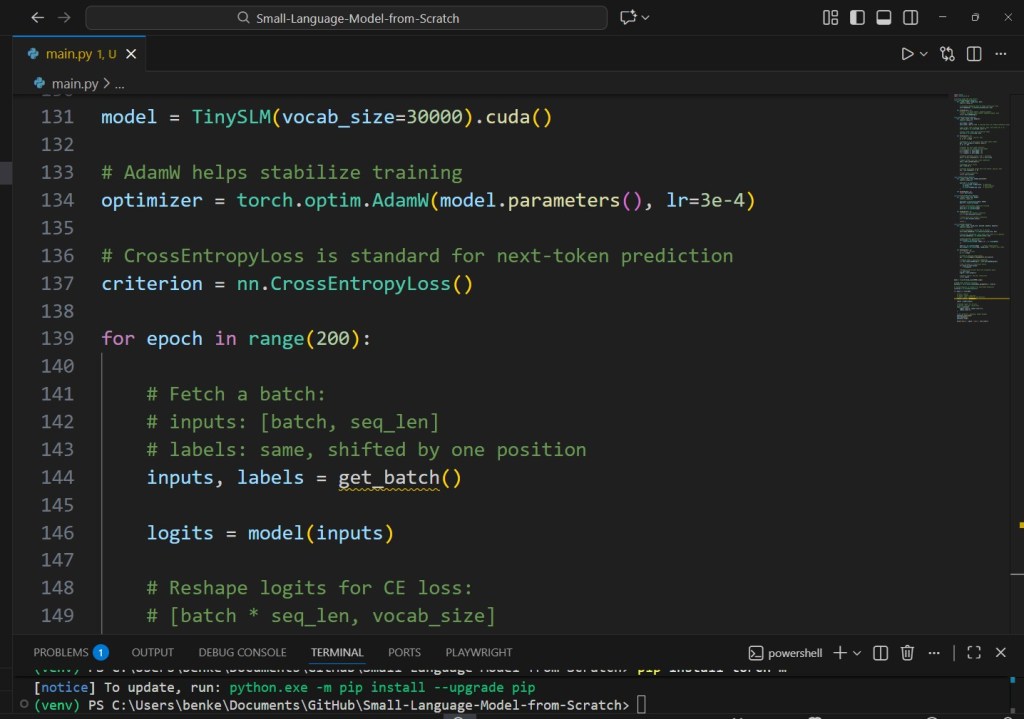
On a single RTX 3060, this tiny model can train for fun.
On a cloud A100? It will fly.
5. What Can You Do With This Model?
This tiny SLM can:
- autogenerate text
- complete sentences
- learn specific tasks (e.g., Excel formulas)
- act as a chatbot
- run inside an agent
- embed into automation workflows
- fine-tune on structured logic data
- serve as a lightweight private AI
And because it’s small, you can:
- Quantize it
- Export it to ONNX
- Run it in llama.cpp
- Deploy to Hugging Face Spaces
- Serve it with FastAPI or Gradio
This is the foundation of everything NanoLanguageModels will teach.
6. Where to Go From Here
After building your own basic SLM, you can learn:
- How tokenization affects model intelligence
- How to optimize training
- How to create an instruction-tuned version
- How to fine-tune on domain-specific datasets
- How to benchmark and compare models
- How to package it into a product
Articles #3–50 will take you through these steps.
 Nano Language Models