How to build the raw text corpus that will teach your Small Language Model to “think.”
Here’s second part in your “Building a Small Language Model from Scratch in Python” series. This tutorial shows you steps from raw text to a clean, ready-to-train dataset — a foundational step before building your tokenizer and Transformer model.
🚀 Introduction — Garbage In, Garbage Out
Every language model, big or small, learns only as well as the data it’s trained on. Before we can teach our model to predict text, we need to give it clean, consistent, and meaningful text data.
Training data is the DNA of your model — if it’s messy, your model’s mind will be too.
In this article, you’ll learn how to:
- Collect open text datasets
- Clean and normalize the content
- Chunk it into sequences for model input
All using pure Python + PyTorch utilities.
📚 Step 1: Choosing the Right Dataset
For Small Language Models, you don’t need terabytes of data — a few hundred megabytes is plenty.
Recommended sources:
| Dataset | Description | Size |
|---|---|---|
| TinyStories | Child-friendly sentences | 80MB |
| Wikitext-2 | Cleaned Wikipedia text | 20MB |
| Project Gutenberg | Classic books | variable |
| OpenWebText small | Reddit-linked content | 300MB |
Let’s use Wikitext-2 for our first experiment.
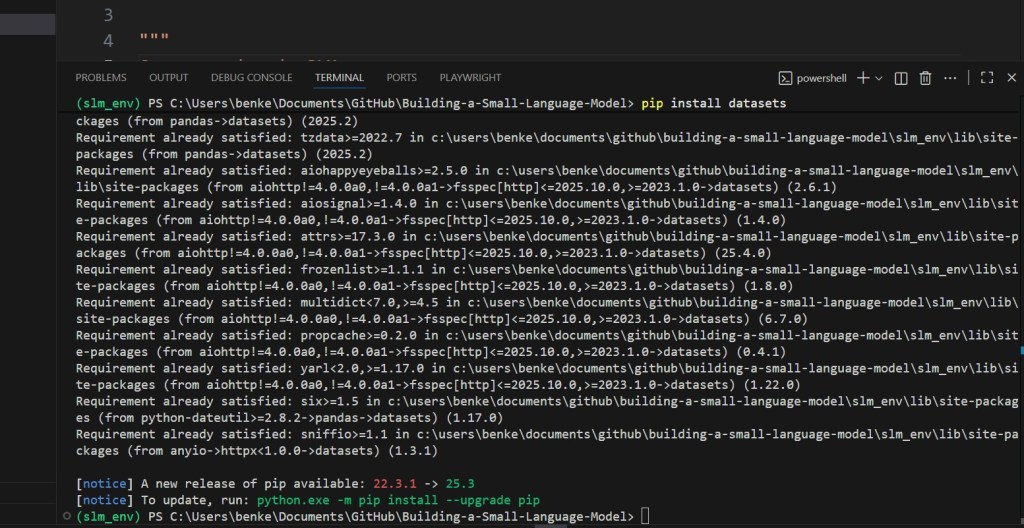
pip install datasets
Then:
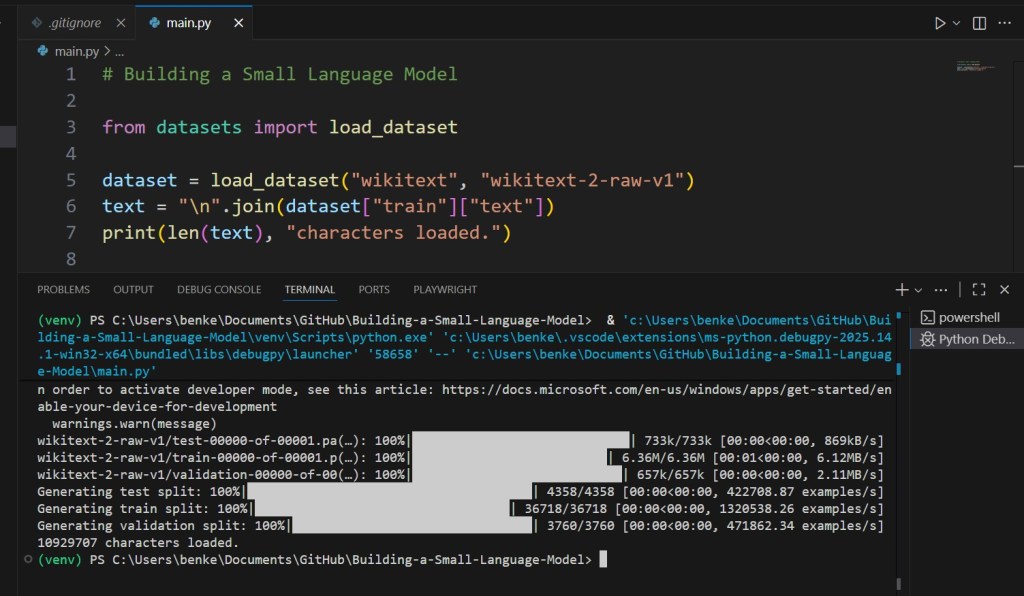
from datasets import load_dataset
dataset = load_dataset("wikitext", "wikitext-2-raw-v1")
text = "\n".join(dataset["train"]["text"])
print(len(text), "characters loaded.")
🧼 Step 2: Cleaning the Raw Text
Raw text contains markup, newlines, and unwanted symbols.
We’ll normalize it using simple regex and string operations.
import re

def clean_text(text):
    text = text.lower()
    text = re.sub(r'\[.*?\]', '', text)        # remove brackets
    text = re.sub(r'[^a-z0-9\s.,!?;:\'-]', '', text)
    text = re.sub(r'\s+', ' ', text).strip()
    return text
Now apply it:
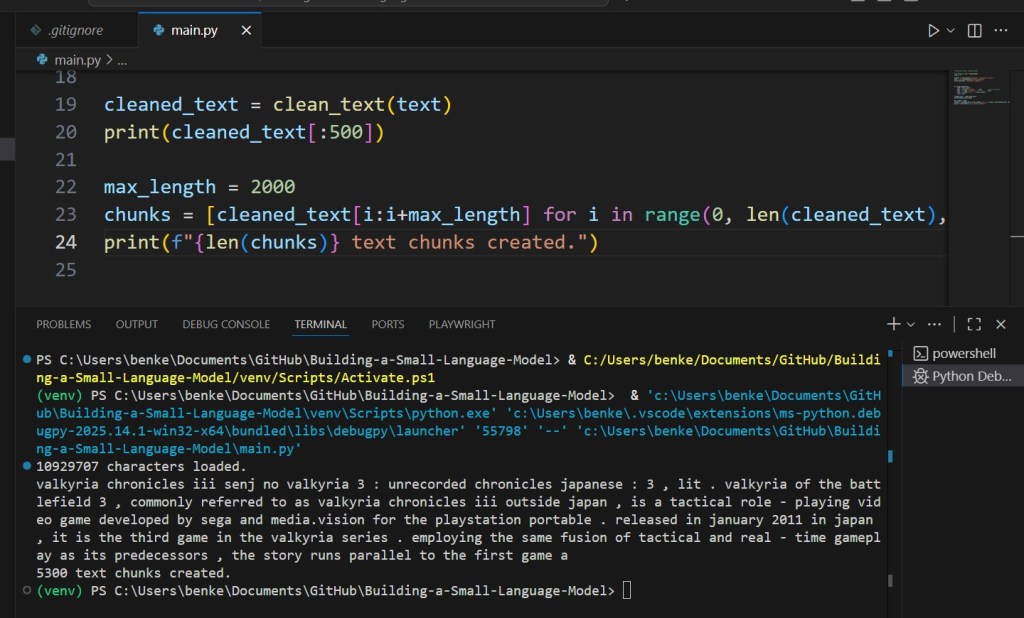
cleaned_text = clean_text(text)
print(cleaned_text[:500])
✅ Converts to lowercase
✅ Removes stray characters
✅ Preserves punctuation and sentence flow

✂️ Step 3: Splitting Text into Manageable Chunks
Transformers have fixed input lengths — often 128–512 tokens.
Let’s pre-chunk our text into sentences or paragraphs:
max_length = 2000
chunks = [cleaned_text[i:i+max_length] for i in range(0, len(cleaned_text), max_length)]
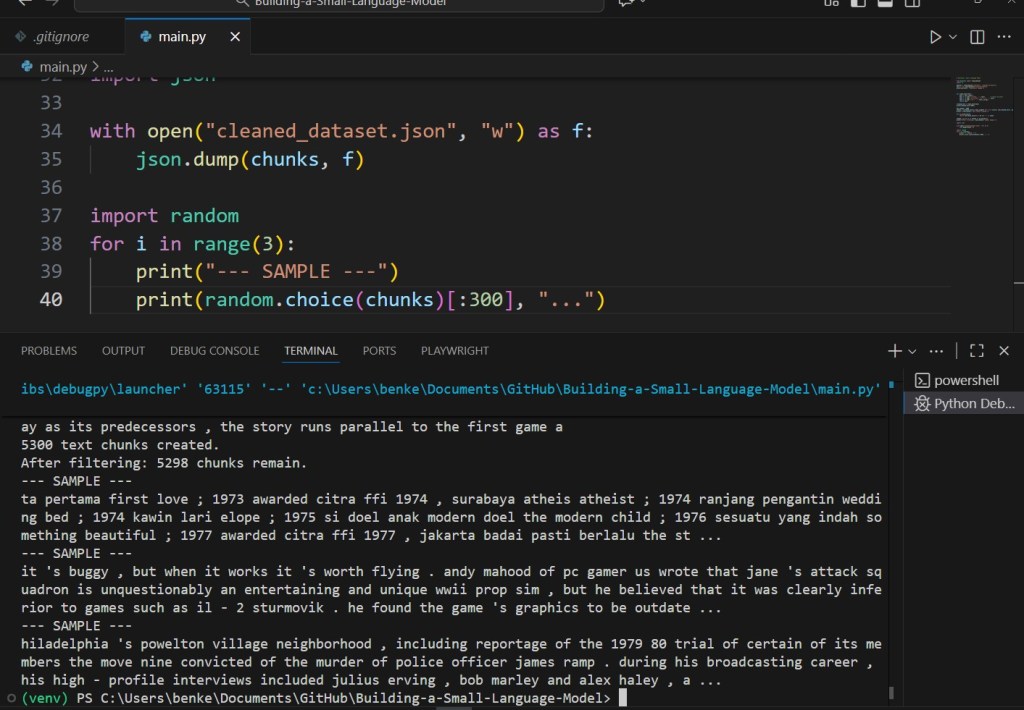
print(f"{len(chunks)} text chunks created.")
These chunks can later be tokenized into training sequences.
⚙️ Step 4: Removing Low-Quality Data
Bad data leads to noisy predictions.
Here’s a quick filter to skip incomplete or low-information text:
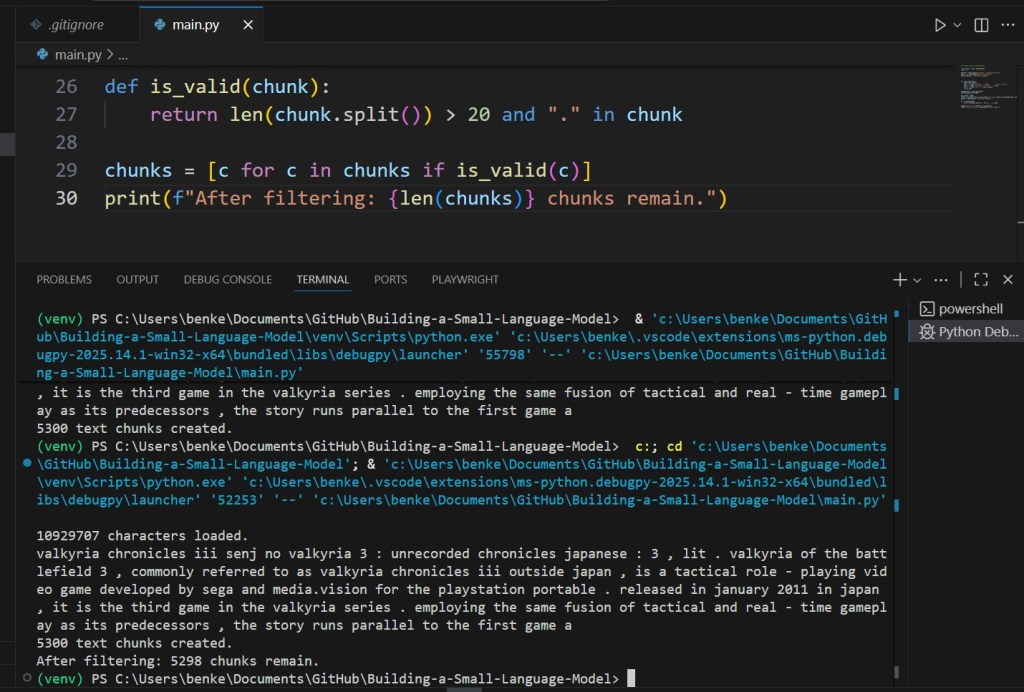
def is_valid(chunk):
    return len(chunk.split()) > 20 and "." in chunk

chunks = [c for c in chunks if is_valid(c)]
print(f"After filtering: {len(chunks)} chunks remain.")
Optionally, you can:
- Remove boilerplate (e.g., “Chapter 1”, “Advertisement”)
- Drop duplicated lines
- Keep only meaningful text
🧩 Step 5: Optional — Add Your Own Text
You can easily augment your corpus with local text:
with open("my_articles.txt") as f:
    extra = clean_text(f.read())
    chunks += [extra]
This is perfect for domain-specific models — for example, fine-tuning your SLM on scientific writing or programming tutorials.
(I will skip this part in Visual Code Studio to keep the code as simple as possible).
📦 Step 6: Save Your Preprocessed Corpus
Save the cleaned, chunked dataset for reuse:
import json

with open("cleaned_dataset.json", "w") as f:
    json.dump(chunks, f)
This will be your foundation for tokenization in the next step.
🔍 Step 7: Previewing the Data
Visualize random samples to confirm consistency:
import random
for i in range(3):
    print("--- SAMPLE ---")
    print(random.choice(chunks)[:300], "...")
If the samples read smoothly and cleanly, you’re ready to tokenize.

🔋 Step 8: The Takeaway
Good datasets don’t have to be big — they just need to be clean, representative, and consistent.
By curating your text properly, you give your small model a solid “mental world” to learn from.
Data preparation isn’t glamorous — but it’s where intelligence begins.
Follow NanoLanguageModels.com for the next article: “Building a Simple Tokenizer from Scratch” — where raw text turns into numbers your SLM can understand. ⚙️
 Nano Language Models